Compare a few options
Save alternatives from different stores, then use your notes to remember what you liked about each one.
- A few lamps for the same corner
- Bags for your daily commute
- Coffee gear you’re thinking about
Save your finds from any store. Decide what’s next when you’re ready.
Free forever. No account needed.

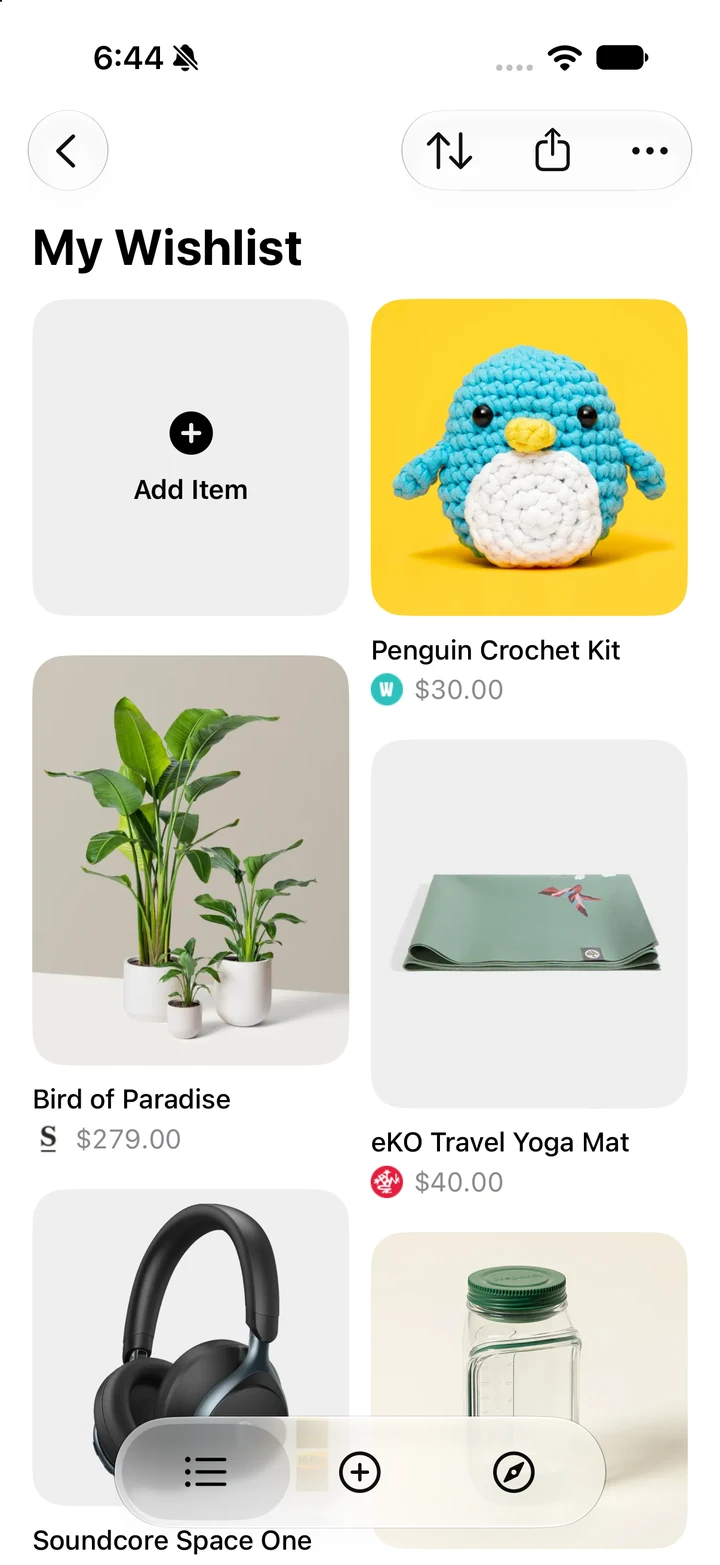
Create a list for whatever you’re thinking about.
Save product links and add notes to jog your memory.
Set it to Private, or share when you’re ready.
Gather your ideas in one place before deciding what’s worth bringing home.
Save alternatives from different stores, then use your notes to remember what you liked about each one.
Give a project or interest its own list, so the right ideas are easy to find later.
Leave yourself a note about why you saved something and which version you had in mind.
Choose Private in wishlist options to keep your finds to yourself. You can make the list public later if you’d like to share it.
Open wishlist options and choose Private. If you later use Share, the list becomes public so people with its link can open it.
Yes. Paste each product link into the same list. Add notes about the differences you want to remember when you come back to choose.
Yes. Keep the items you’d love to receive, add any useful preferences, and use Share. Friends and family can open the link and reserve a gift without an account.
Use your 9-character Wantly code found in Settings to open your lists on another device.
Free forever. No account needed.
Create your ultimate wishlist