Small wishes count, too
Include a few inexpensive ideas alongside bigger gifts. They’re useful for stocking fillers and smaller gift exchanges.
- A paperback or a puzzle
- Your favorite snacks or coffee
- A little something for your hobby
All your Christmas wishes. One link for the family.
Free forever. No account needed.

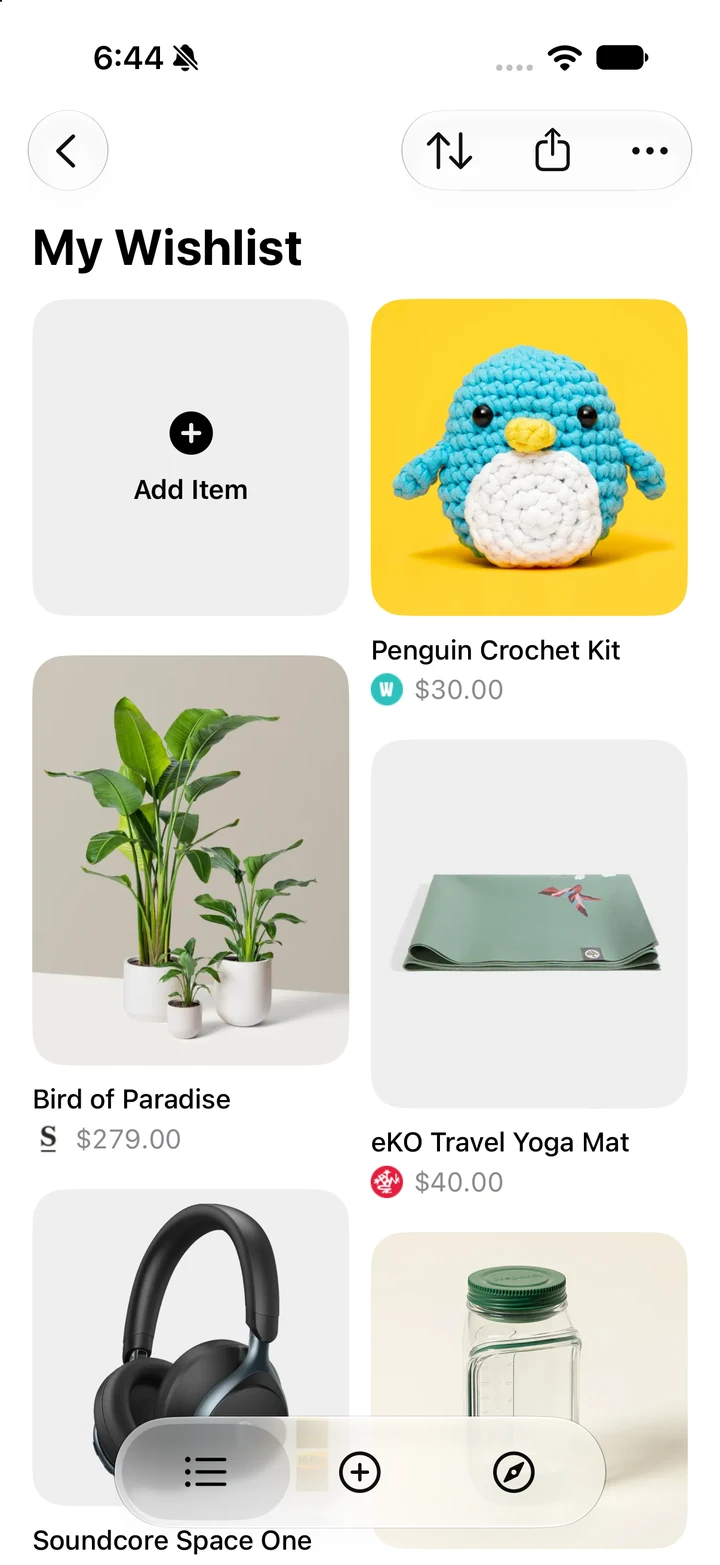
Save ideas as they come to you.
Add gifts from any store to the same list.
Share your link so family can choose and reserve.
A useful Christmas wishlist gives people choices and enough detail to get the right thing.
Include a few inexpensive ideas alongside bigger gifts. They’re useful for stocking fillers and smaller gift exchanges.
An exact product link and a few notes can save a lot of back and forth in the family chat.
Keep different people’s wishes separate, so everyone gets the right link.
Send the same Christmas list to each side of the family. Reservations show other guests which gifts are already spoken for.
Yes. You can create multiple wishlists. Give each one a clear name, then share the relevant link with family and friends.
Yes. Your link stays the same when you add, edit, or remove items. People opening it will see your updated list.
Reservation status is hidden from the list owner by default. This setting can be toggled in the wishlist options section.
Yes. They can open your shared link in their browser and reserve a gift. No account needed. No app download necessary.
Free forever. No account needed.
Create your ultimate wishlist